
RTC:Rural
RURAL DISABILITY RESEARCH
As leaders in rural disability research, we collaborate with disability community members across the country to shape our research agenda and ensure that our evidence-based solutions fit their rural contexts. Together, we work to improve the ability of people with disabilities to engage and thrive in rural life.



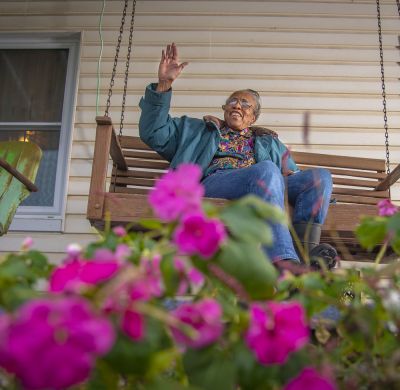


Focus Areas
Our work spreads across several Focus Areas:
• Health
In each Focus Area, you can find links to our research findings and products, including journal articles, fact sheets, toolkits, infographics, websites, and more.


Community Living
Community Living resources promote accessibility and participation in rural communities.
Visit Community Living Focus Area
Employment
Employment resources focus on rural community development and service delivery.
Visit Employment Focus Area
Health
Health resources focus on the management of secondary health conditions and health promotion.
Visit Health Focus Area
Rural Disability
The RTC:Rural uses a wide variety of data from large public datasets to help answer questions about the disability experience in rural and urban locations.
Visit Rural Disability Focus Area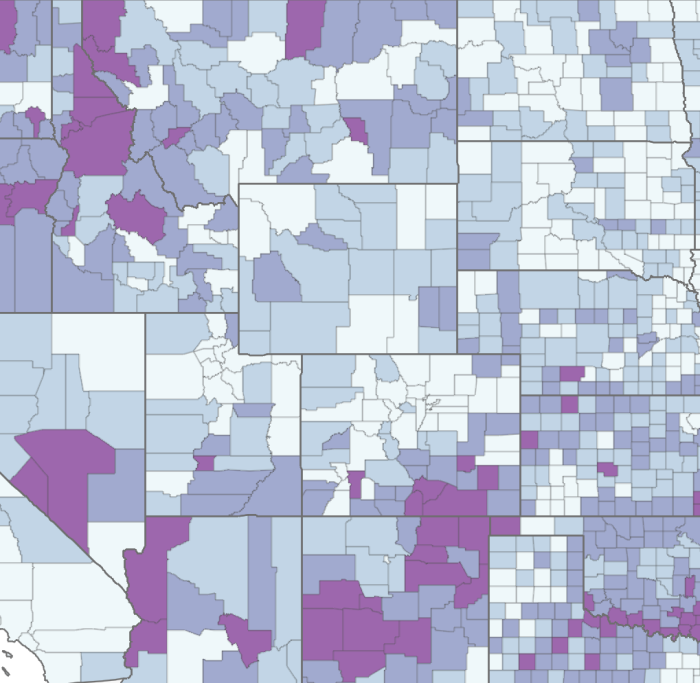
Disability Maps
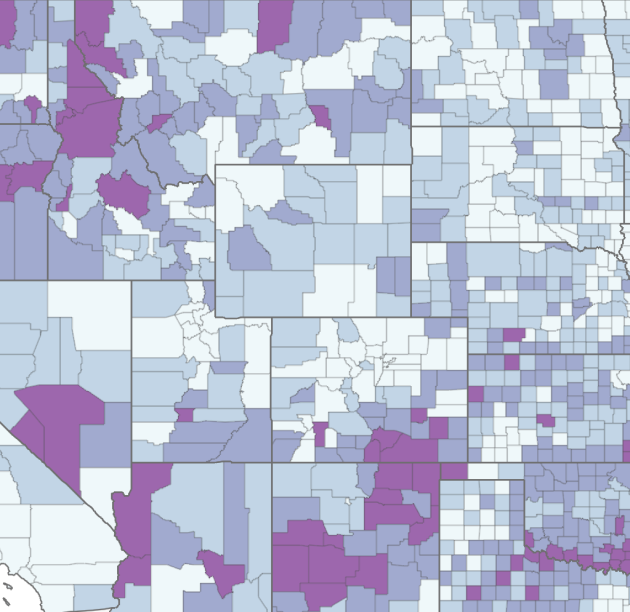
Disability Maps resources include geographic representations of large dataset analyses.
Visit Disability Maps Focus Area
Disability Counts
Disability Counts includes data dashboards and tools to provide access to state and county-level disability data, as well as data on individuals who are institutionalized in correctional facilities (i.e. prisons and jails) and nursing homes.
Visit Disability Counts Focus Area


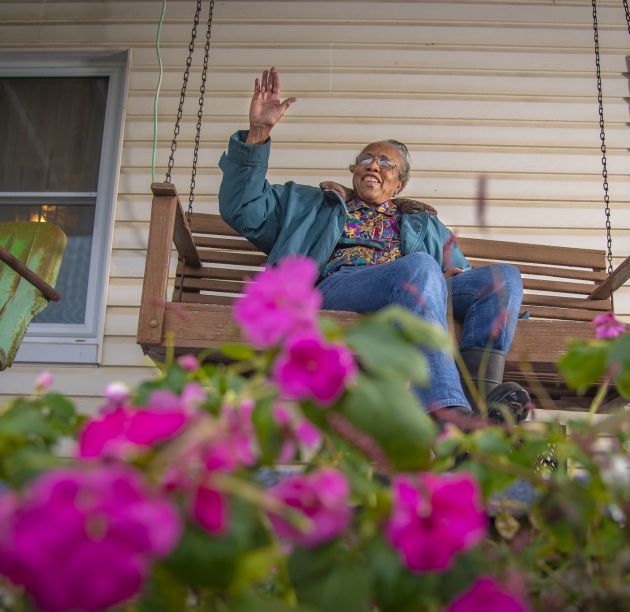



March is Developmental Disability Awareness Month (DDAM)!
Each March, the National Association of Councils on Developmental Disabilities (NACDD) and its partners work to highlight how people with and without disabilities come together to form strong, diverse communities. Their campaign seeks to raise awareness about the inclusion of people with developmental disabilities in all facets of community life, as well as awareness of the barriers that people with disabilities still sometimes face in connecting to the communities in which they live.
This year’s theme for the National Developmental Disability Awareness Month is:
“A World of Opportunities – we’re celebrating people and working together to remove obstacles. Our goal is to build a community that’s committed to creating a world where everyone can do well and succeed. Join us in making a world where all kinds of people have the chance to thrive."
You can find details, event information, the 2024 DDAM Resource Guide, and much more information on the Developmental Disabilities Awareness Month webpage.
Disability Counts provides multiple tools for accessing national data about people with disabilities in America. The dashboards include interactive maps of county-level data, state-level data, and data on individuals who are institutionalized in correctional facilities and nursing homes. You can also search by geographic areas and disability variables to generate your own unique dataset. This easy to use tool includes a tutorial to assist users in navigating the site.
